
For mechanical watch lovers
Set your watch to the second.
Pull the crown, match the hands, and push it in when Watchwright says now. Then build watches of your own, and wear them on your desk, by your bed and on your Home Screen.
How it works
Match. Wait. Push.
No more guessing at the seconds hand. Watchwright tells you exactly when to let it go.
-
01
Match the hands
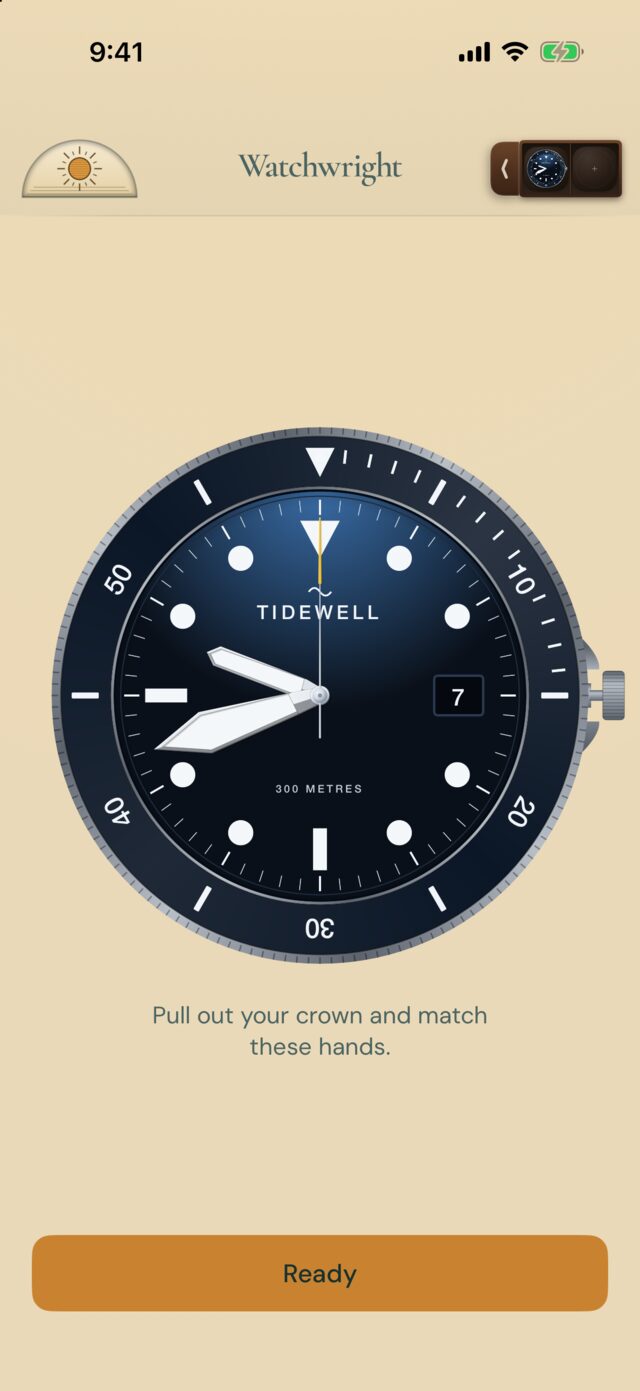
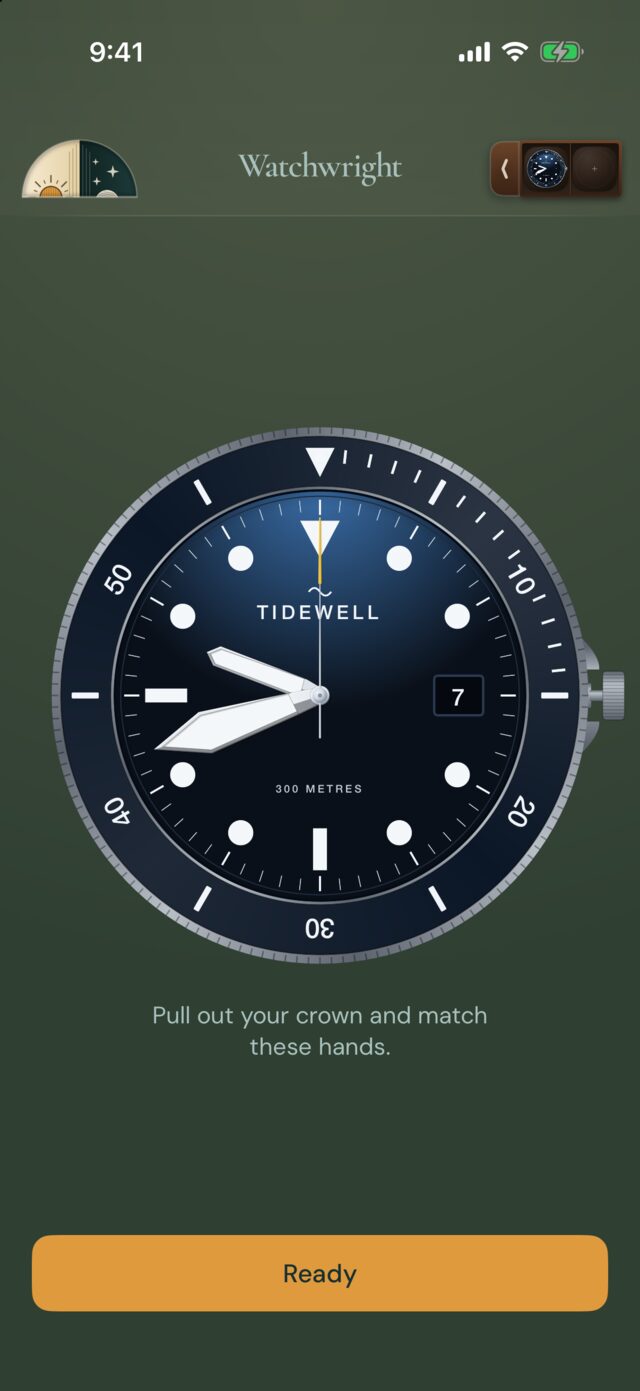
Pull out your crown to stop the seconds hand, and set the hands to match the watch on screen.
-
02
Tap Ready, and wait
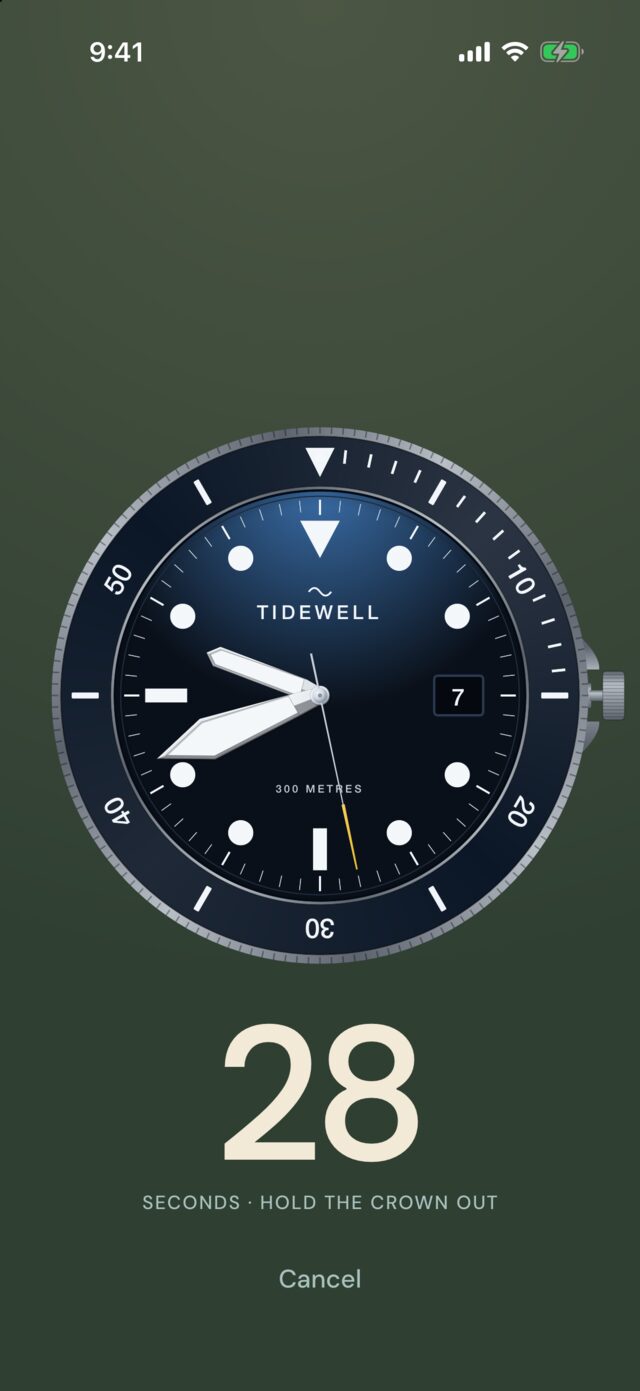
Watchwright counts you in. In the last seconds the phone taps in your hand, so your eyes can stay on your watch.
-

03
Push it in at Now
At zero, push the crown home.
Build your own
Then make it yours.
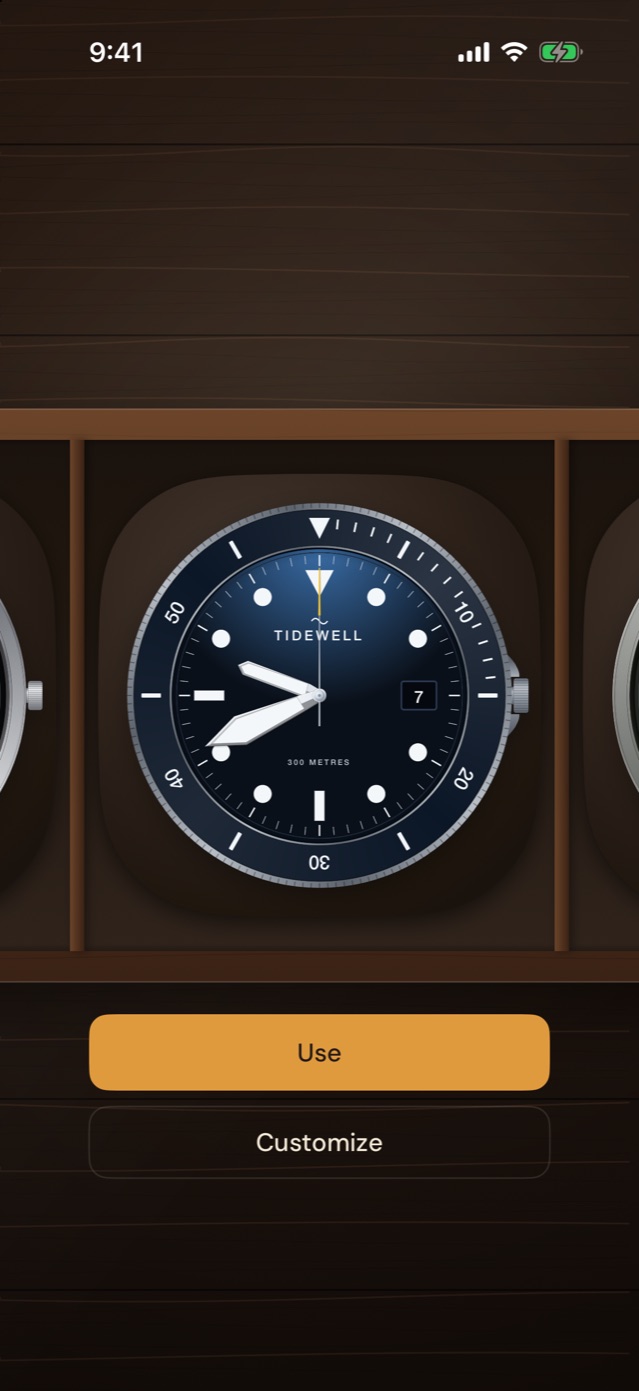
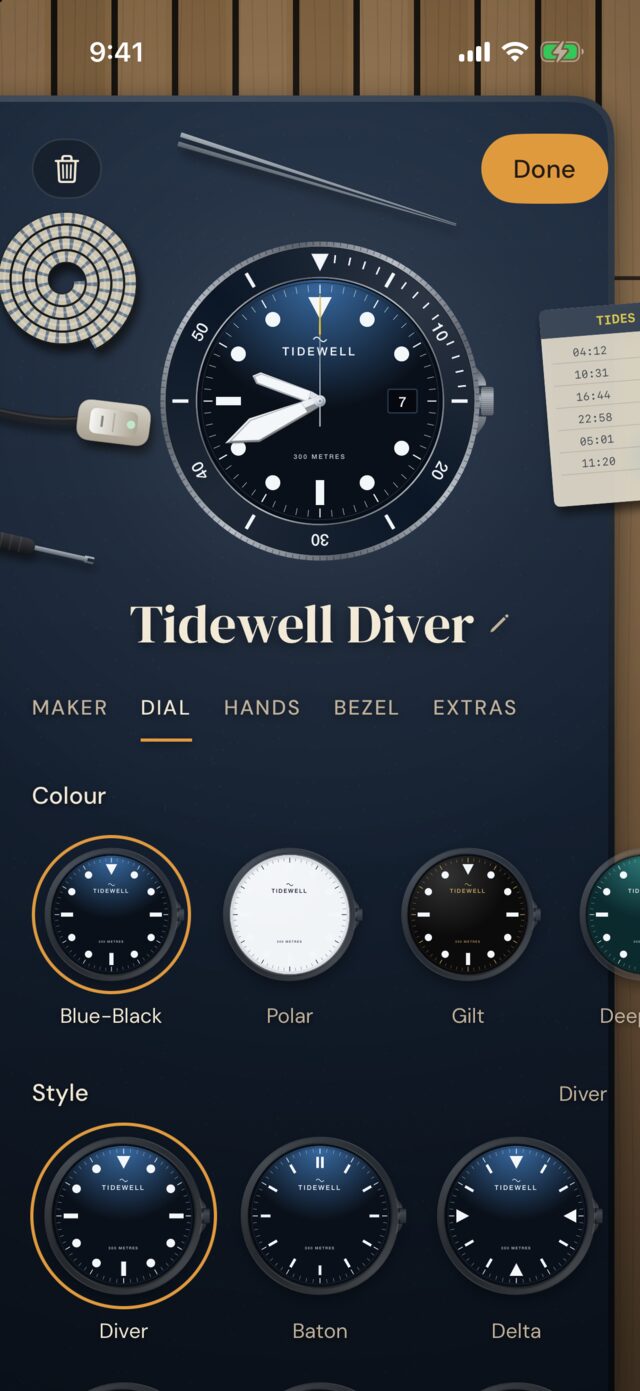
Pick a maker, then choose the dial and its colour, the hands, the seconds hand and the bezel. Keep the watches you build, and wear whichever suits the day.
- iTen makers, each with a unique story and style
- iiA date, GMT hand or moon phase, as a reference to set your own
- iiiUp to twelve watches in your box
Wherever you keep it
Put it down. It keeps the time.
Between settings, your watch goes on telling the time: on your desk, by your bed and on your Home Screen.
 Watchwright
-
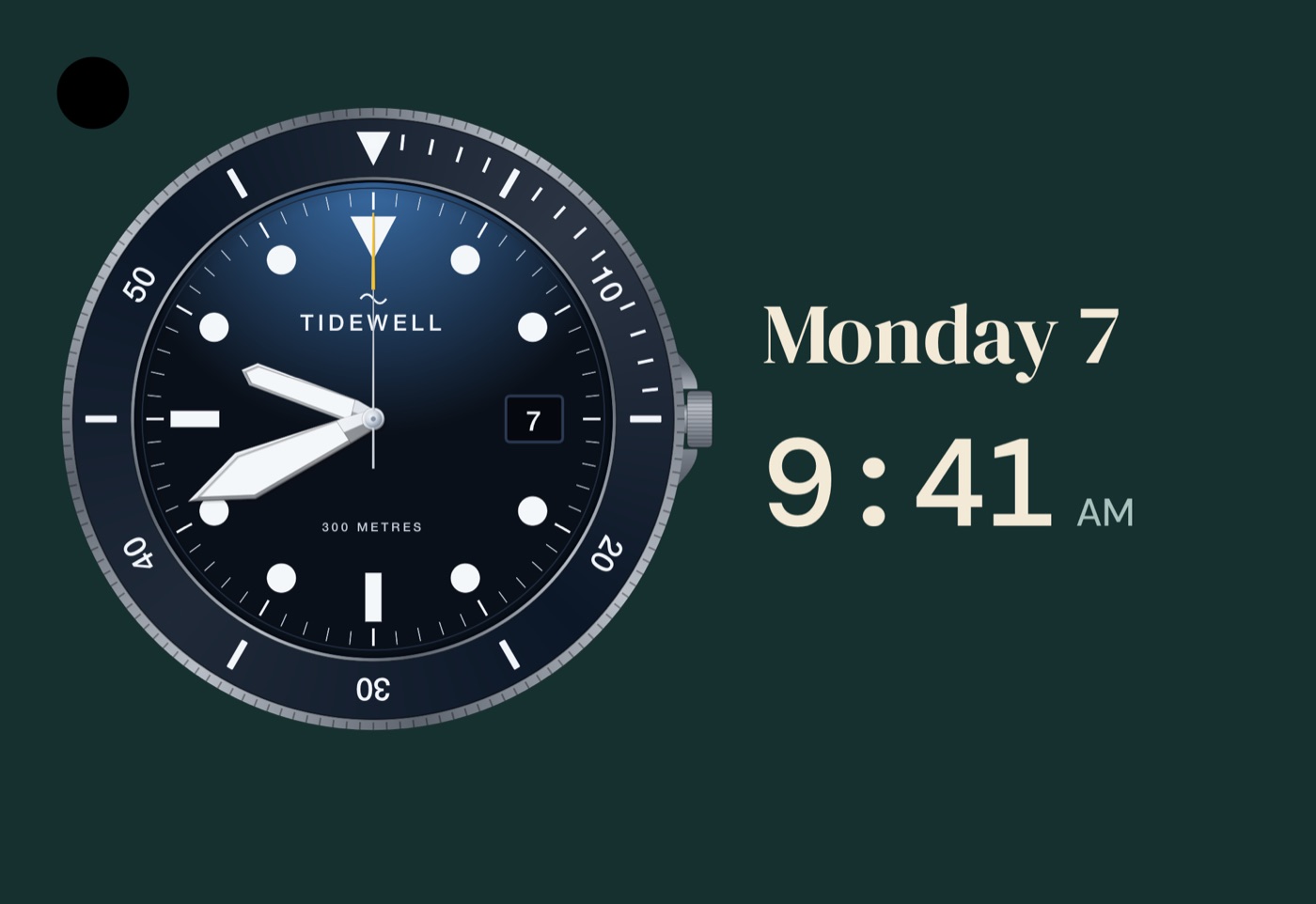
A desk clock
Stand iPhone Duo up like a tent or fold it like a book, and your watch sits beside the day and date.
-
A bedside clock
Plug your phone in at night and the watch turns a deep red that's gentle on a dark room.
-
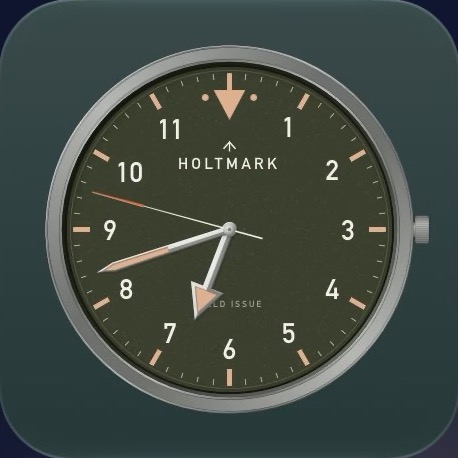
Widgets
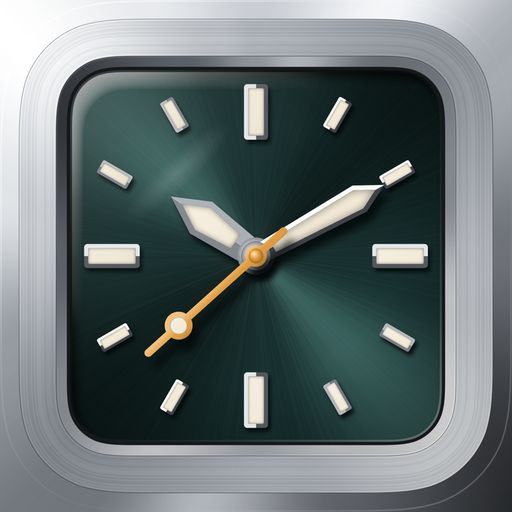
Wear your watch on the Home Screen, the Lock Screen and in StandBy, in light or dark.
Free
Setting your watch is free, always.
So are watches from the two makers you start with, built from their free parts, with every date and complication.
One unlock
Every maker and part, for every watch.
Eight more makers, every dial, colour, hand, seconds hand and bezel, and room for all twelve watches in your box. One payment, no subscription. Family Sharing included.
Private
No account. Yours to keep.
Your watches and settings stay on your device. Anonymous stats, which you can turn off, help us see what to make next. Read the privacy policy.